How to make a drunk walk animation in Blender
Add the Drunk pack and press Play. The walk, the run, the idle and the turns take on the sway
Normal walk and drunk walk
Same rig, same add-on, only the clip differs. Top row: Normal. Bottom row: Drunk. Six phases of one step cycle, seen from the front
Normal
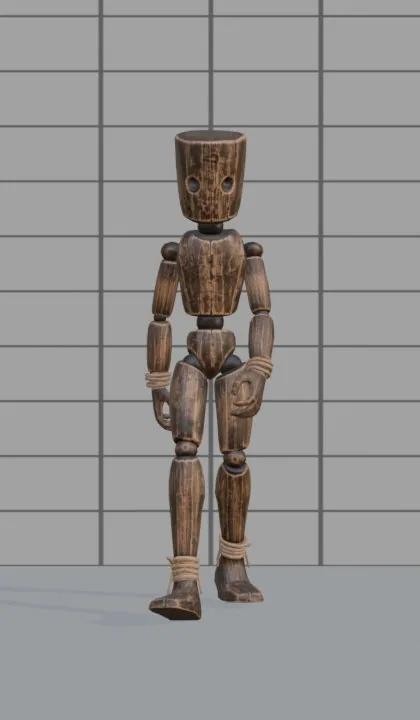
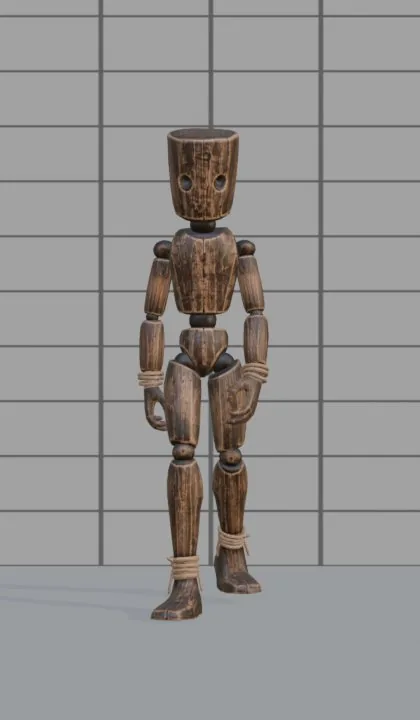
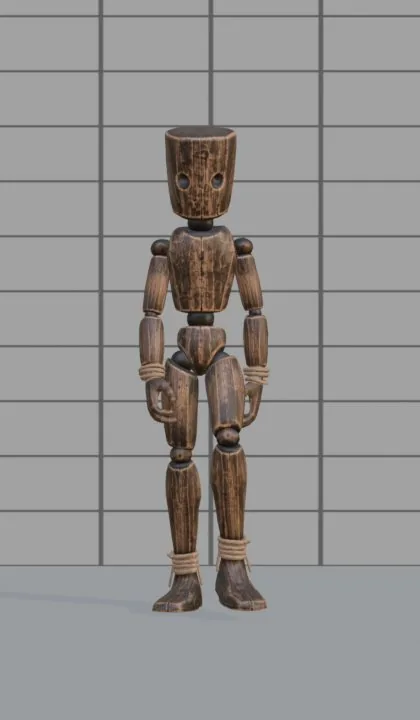
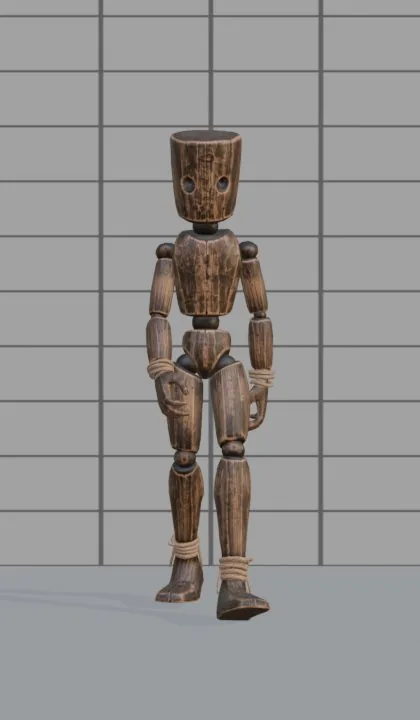
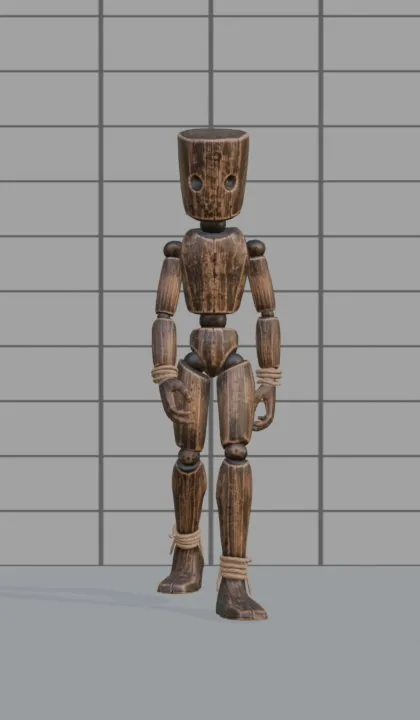
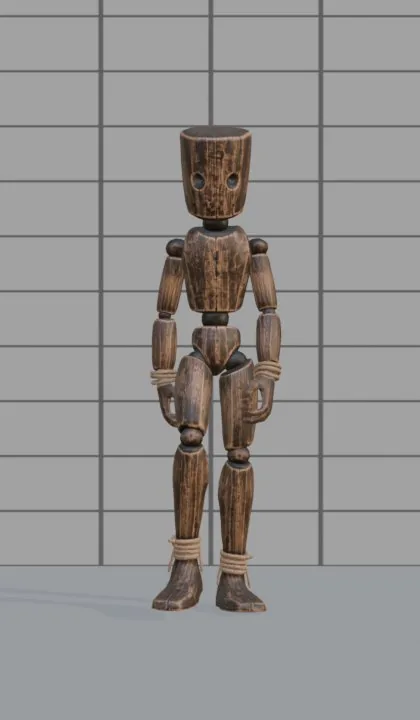
Drunk
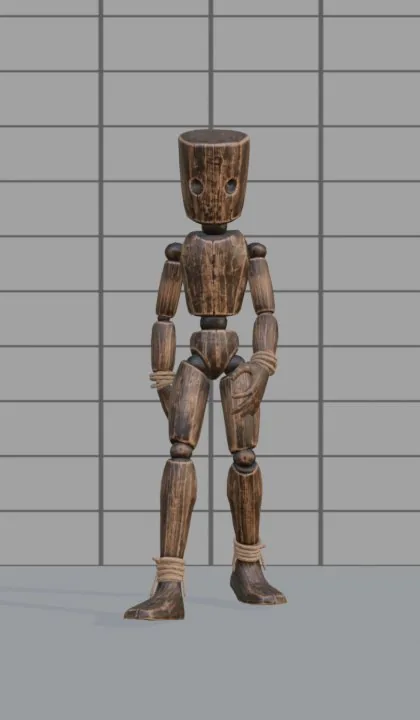
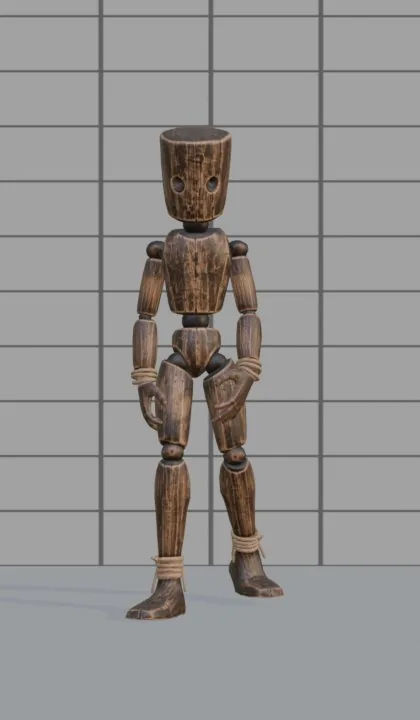
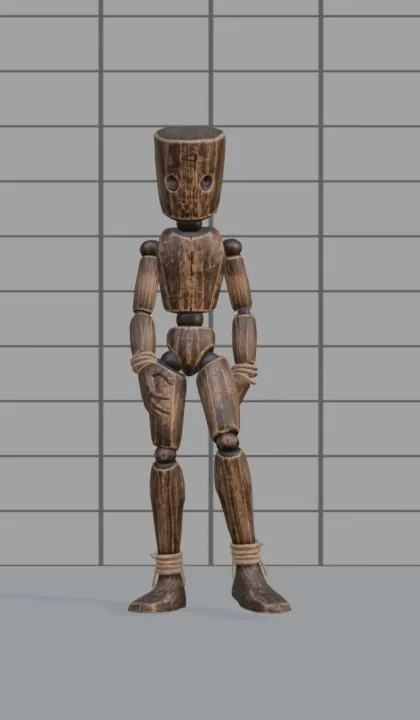
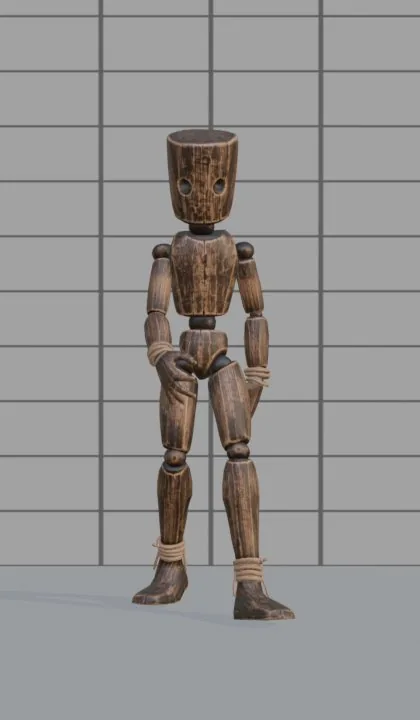
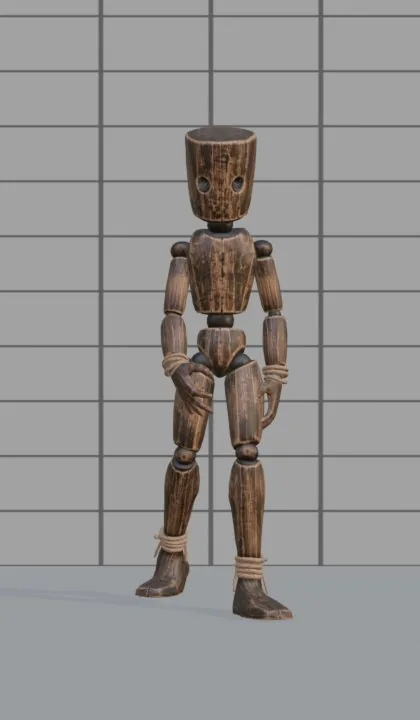
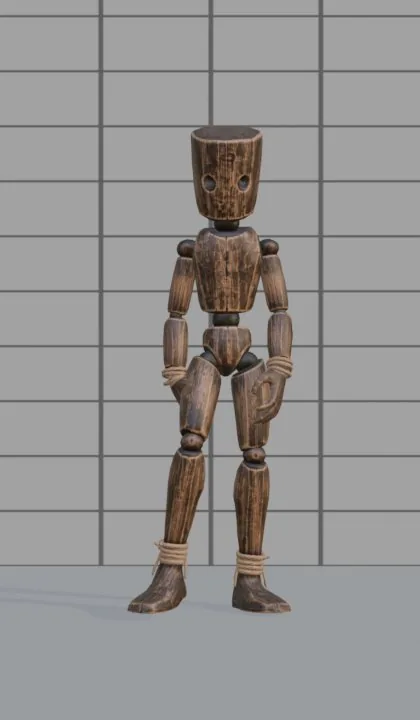
We measured both clips on a 1.83 m character: the drunk walk sways the pelvis about 14 cm from side to side against about 6 cm in a normal walk, moves at 0.8 m/s against 1.2 m/s, and one step cycle takes 1.25 s against 1.0 s
Step by step
- STEP 1Create a character
Select your rig (Rigify, Mixamo, VRoid, Unreal or any humanoid) and press Create character. No rig? Shift+A › Moveset Mannequin
- STEP 2Add the Drunk pack
Open the library, section Manners, and add Drunk. The drunk walk, run, idle, turns and the habitual drunk actions appear
- STEP 3Play
Choose Walks · drunk and press Play. The preview runs live on your character
- STEP 4Tune it
Move the sliders for stride, tempo, posture or sway
- STEP 5Bake
Bake this one: you get an Action called
walk_drunk. Bake all bakes every clip of the pack
Not only the walk
The pack is more than a walk: the drunk character idles, runs and turns with the same loose, uneven timing, and the pack brings its own actions: staggering, hiccupping, dizzy