Godot character animations from Blender
Bake animations on your own rig in Blender and export a GLB that Godot reads as it is: every Action becomes an animation and root motion is one setting away
From Blender to Godot
- STEP 1Animate in Blender
Create the character in Moveset, add the animations you need and pick the character's state
- STEP 2Bake
Bake all at your scene frame rate. Turn on root motion if the character should move in the animation itself
- STEP 3Export
In Bake and export press Godot. You get a GLB file with the rig, its meshes and all its baked Actions
- STEP 4Import in Godot
Each Action appears as an animation in the imported scene. Set the loop mode for the looping ones; the JSON file lists which clips loop
- STEP 5Root motion
In AnimationTree set Root Motion Track to the root bone
Made for a state machine
Locomotion
- Walk, run, sprint, crouch, crawl and turns in place
- An 8-way grid of walks and runs for a BlendSpace2D
- Start, stop and 180° pivot transitions that begin and end on the exact frames of the loops they join, so blends have no seam
Game moves
- Jump with takeoff, rise, fall loop and landings
- Hit reactions from four sides, knockdown, get up, deaths
- Ladders, vaulting, climbing onto a ledge, dodge roll
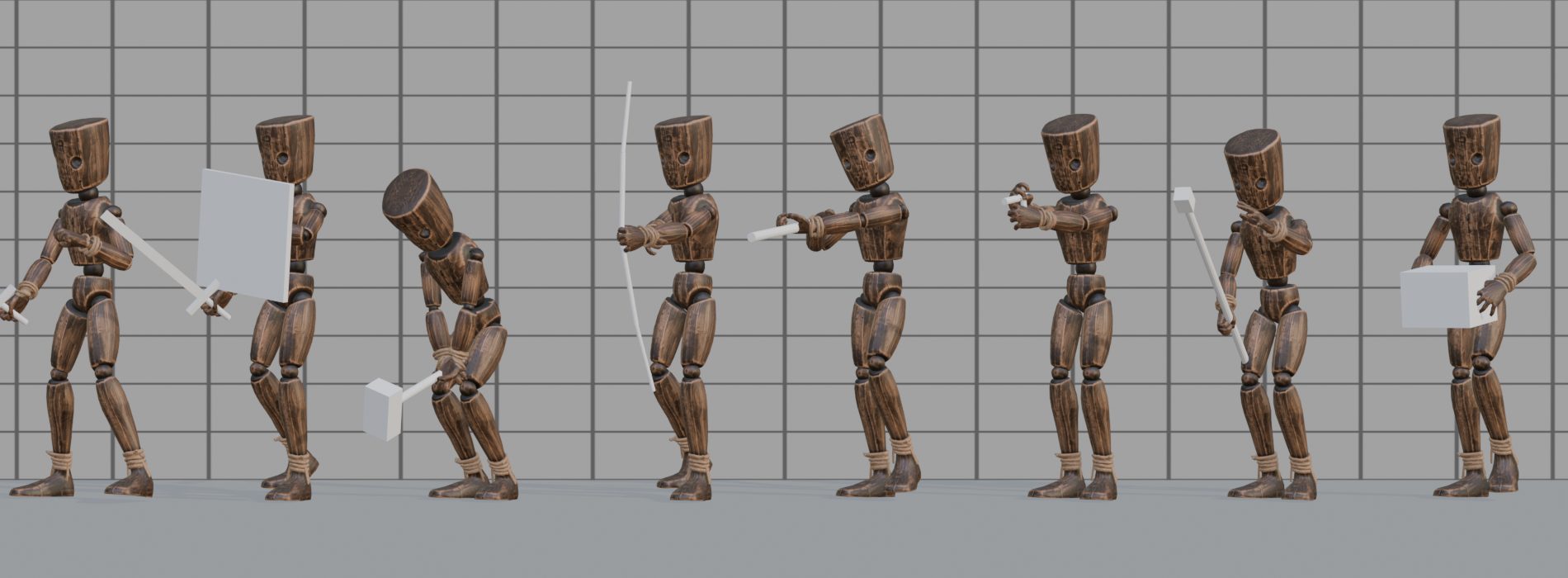
- Character kits: sword, bow, rifle and more, with the item in hand
A JSON file next to the model lists every clip's length, whether it loops, the root speed, the footstep frames and prop events, so your scripts can read them instead of you typing the numbers in