Animations for Unreal Engine 5, made in Blender
Moveset knows the Unreal 5 and Unreal 4 skeletons: import the mannequin into Blender, create a character, add packs and export FBX for Unreal
How it fits Unreal
The UE5 and UE4 bone maps are built in, so the mannequin skeleton is recognised without manual setup. The Unreal button bakes the clips and writes an FBX with root motion. Locomotion clips come in full sets - idle, 8 directions, starts, stops, turns - which is what a blend space or a state machine needs
Popular clip sets
Locomotion, jumps, parkour, melee strikes, sword and shield, bow and dual blades kits, hits and deaths, NPC ambience
Step by step
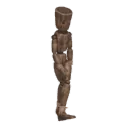
- STEP 1Create a character
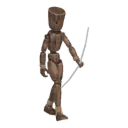
Select your rig (Rigify, Mixamo, VRoid, Unreal or any humanoid) and press Create character. No rig? Shift+A › Moveset Mannequin
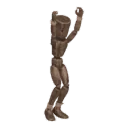
- STEP 2Add a pack
Open the library and add the pack you need. Its clips appear in the list
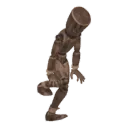
- STEP 3Play and tune
Play shows the clip live on your rig. Sliders change tempo, stride, posture and the details of each clip
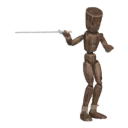
- STEP 4Bake and export
Each clip bakes to a normal Action. Export to Unity and Unreal (FBX) or Godot (GLB) with root motion