Character animations for Unity, made in Blender
Animate your character in Blender with ready clips, then export one FBX per character with all Actions, root motion and loop flags
What goes to Unity
The Unity button bakes the chosen clips and writes an FBX with your rig and every Action. Walk, run and strafe clips carry root motion, so the character moves at the speed of its feet and does not slide. Mirrored copies (left and right versions) bake with one click. The rig keeps its bone names, so it works as a Humanoid avatar or as Generic
Clips games need
8-direction locomotion with starts, stops and pivots, crouch and prone, jumps and landings, hits, knockdowns and deaths, weapon kits with their own idle, walk, run, strafe, attacks and death, NPC idles and talking
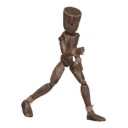
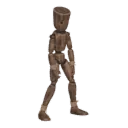
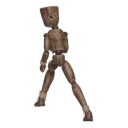
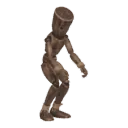
Step by step
- STEP 1Create a character
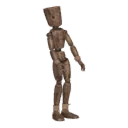
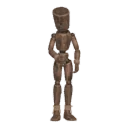
Select your rig (Rigify, Mixamo, VRoid, Unreal or any humanoid) and press Create character. No rig? Shift+A › Moveset Mannequin
- STEP 2Add a pack
Open the library and add the pack you need. Its clips appear in the list
- STEP 3Play and tune
Play shows the clip live on your rig. Sliders change tempo, stride, posture and the details of each clip
- STEP 4Bake and export
Each clip bakes to a normal Action. Export to Unity and Unreal (FBX) or Godot (GLB) with root motion