Moveset
1066 animations for any humanoid rig, from a wave to a sword combo. Shape them with sliders, watch them live, bake them to Actions and ship them to your engine
Every animation is built from parameters you can read and change - stride, cadence, posture, energy, tempo - and retargeted onto Rigify, Mixamo, VRoid, Unreal or your own skeleton
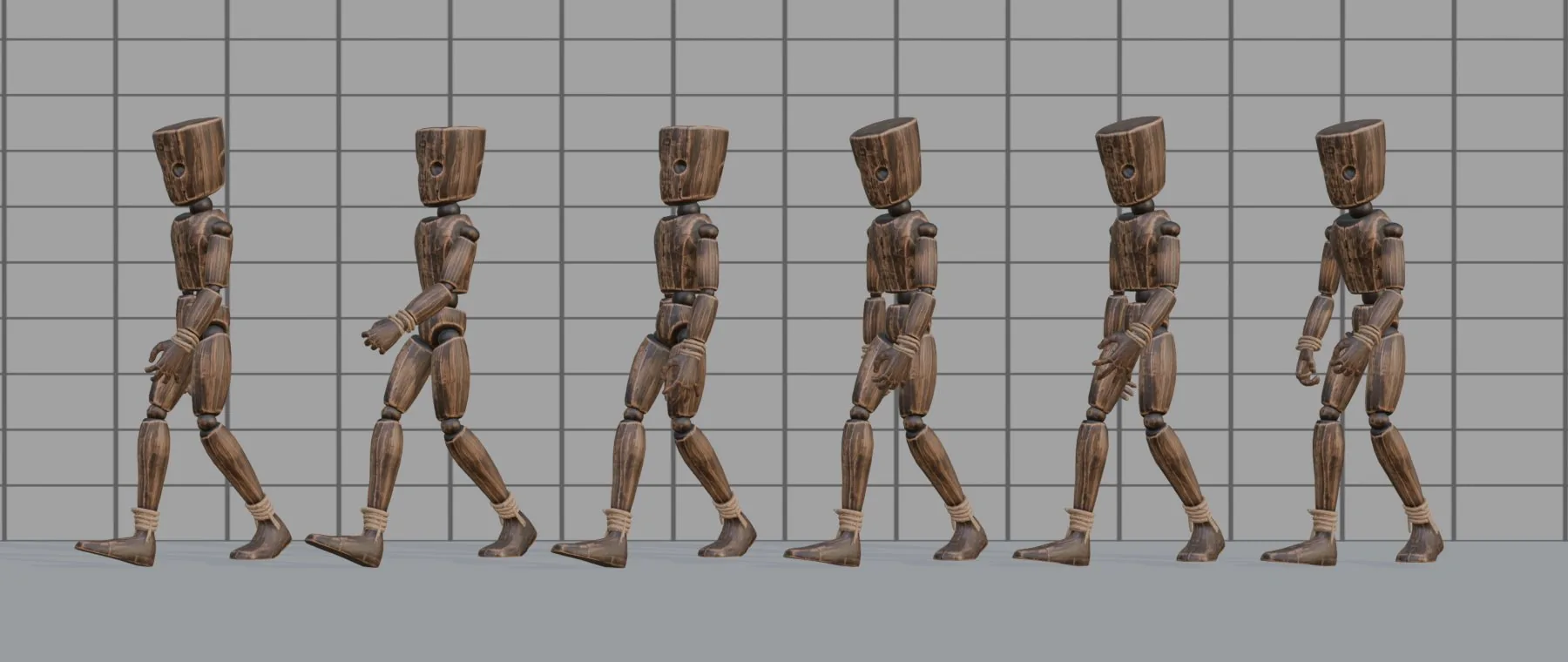
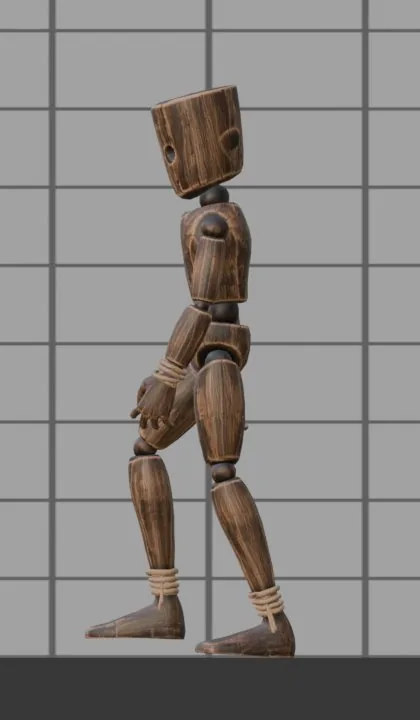
One step, eight phases
The walk follows gait biomechanics: heel strike, loading response, mid-stance, push-off, swing. The planted foot does not slide, the pelvis rides on the supporting leg, and the arms counter-swing the hips
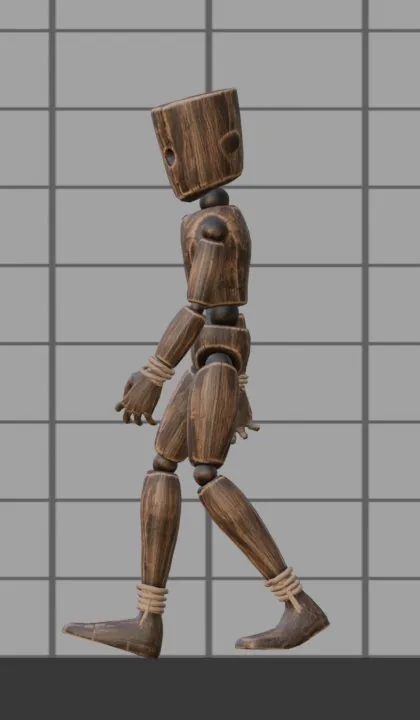
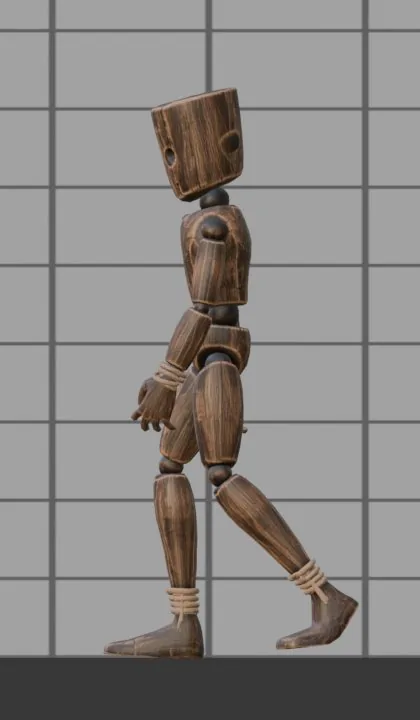
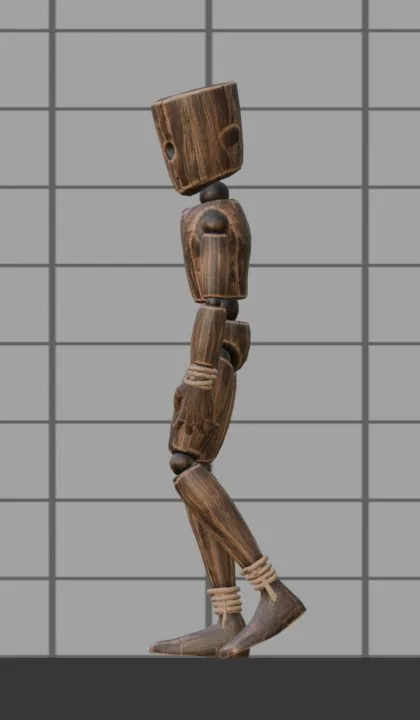
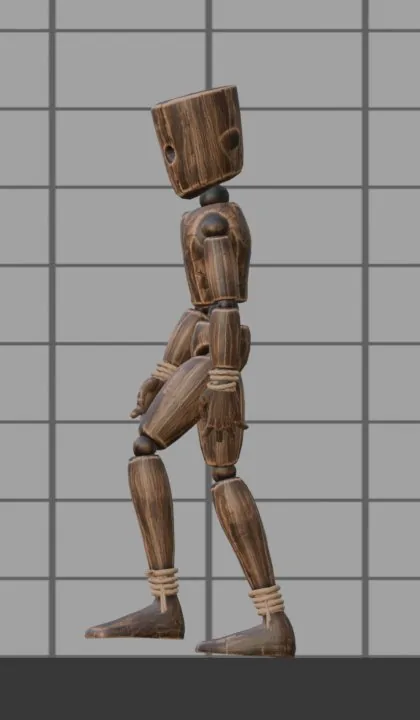
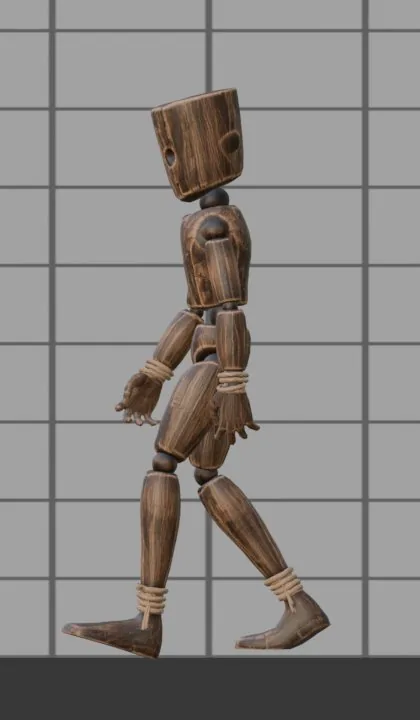
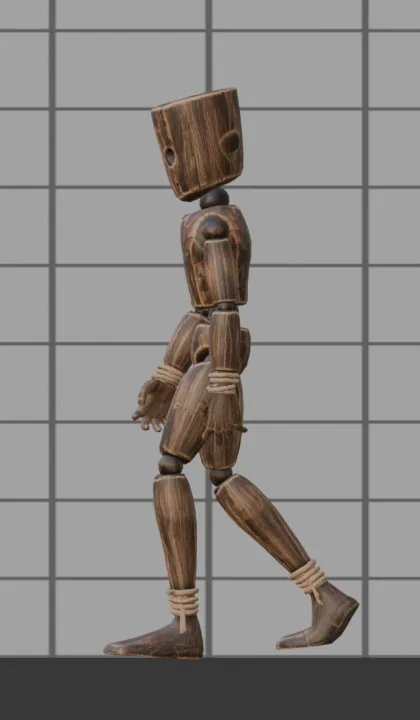
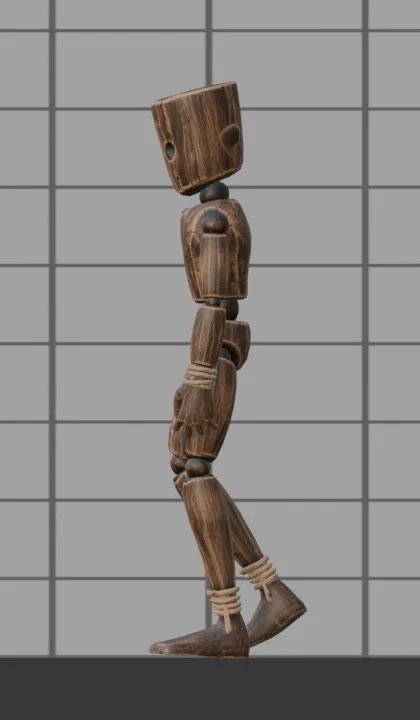
From a bare rig to clips in your engine
Select your rig. Rigify, Mixamo, VRoid, Unreal or any humanoid. Unknown skeleton? Map its bones once and save the map.
Create a character. One click. Proportions are measured from the rig, so hands land on this model's face, chest and hips.
Pick from the library. Browse pose thumbnails or search by name. Add one action, a whole pack or a whole character kit.
Tune it live. Sliders update the pose on the current frame. Press Play to watch the clip on your character.
Bake and export. Actions named walk_weary, wave_cold… One button exports FBX or GLB set up for Unity, Unreal or Godot.
Actions take on the character's state

A state is how a person is right now. It sets the walk and the idle, and it colours every action: a cold character waves smaller and hunched, a confident one high and open, a drunk one sways and misses. Each state brings its own set of habitual actions, baked as <action>_<state>. Mix two states (60% Brisk + 40% Weary) or mirror one for a left-handed character
- Normal
- Brisk
- Weary
- Cold
- Hurried
- Drunk
- Injured, limping
- Sneaking
- Elderly
- Soldier
- Catwalk
- Sad
- Confident
- Nervous
A full locomotion set, ready for a state machine
Loops walk and run in place with the root speed written next to them; one-shots start and end on the exact frames of the loops they connect, so an animator graph blends them without a seam. Root motion is off by default and one checkbox away
Movement
- Run, sprint, walk back, side steps, crouch walk, crawl on all fours and prone
- 8-way grid for blend spaces: diagonals, running backward and sideways, crouching in every direction
- Turns in place, start and stop from a walk or a run, 180° pivot
- Jump: takeoff, rise, fall loop, soft and hard landing, running jump
Contact and damage
- Hit reactions from four sides, light and heavy, knockdown, get up, three deaths
- Doors, buttons, levers, chests, terminals, picking up and putting down
- NPC ambience: leaning on a wall or a rail, dozing on a bench, talking to someone
- Footstep markers and prop events for sound and gameplay
Climbing, vaulting, rolling
Stairs up and down, a ladder (get on, climb loop, get off at the top), vaulting a low obstacle, climbing onto a ledge, dropping from one, a dodge roll. Heights are sliders, and the root travels up and down as well as forward, so root motion carries the character onto the ledge
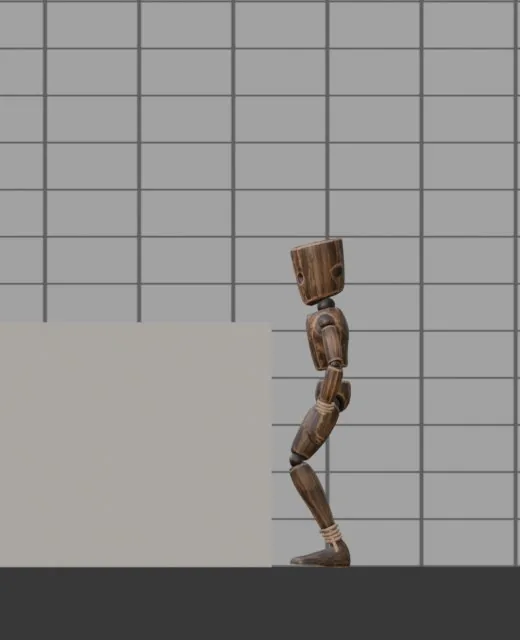
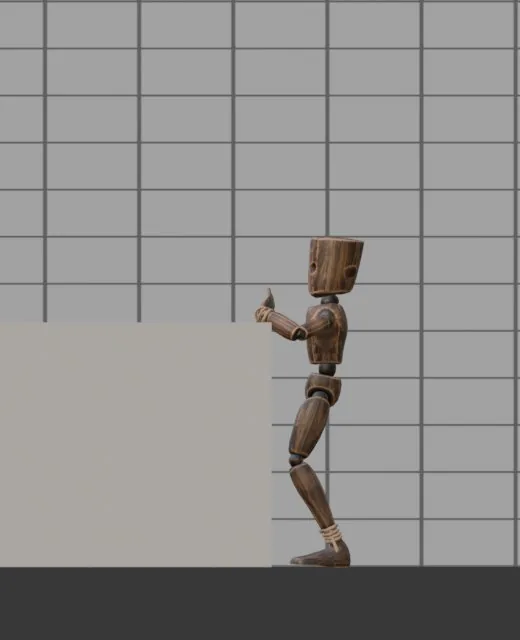
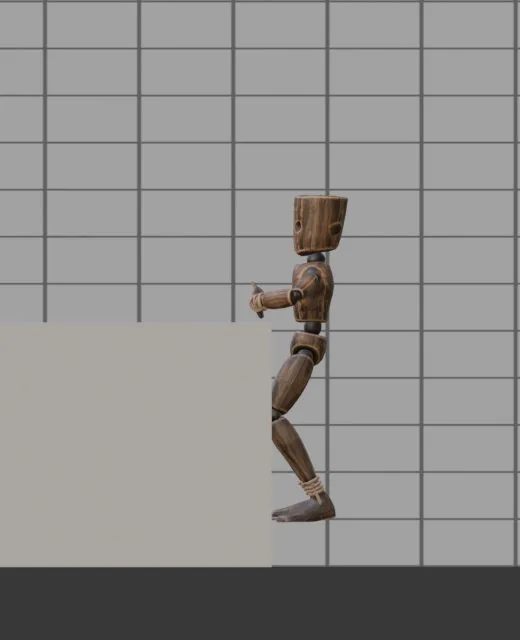
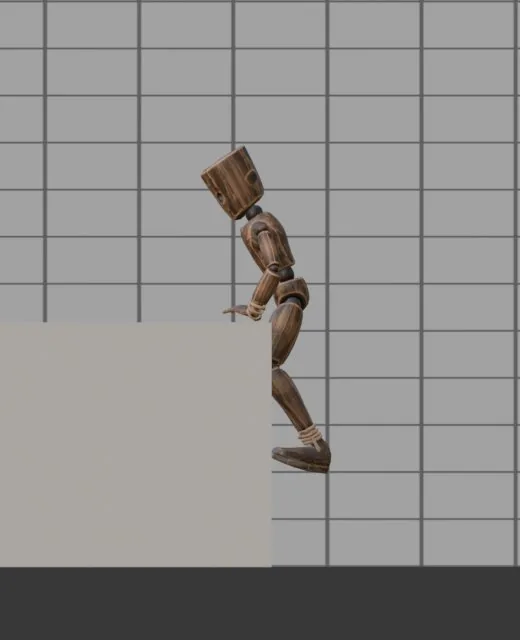
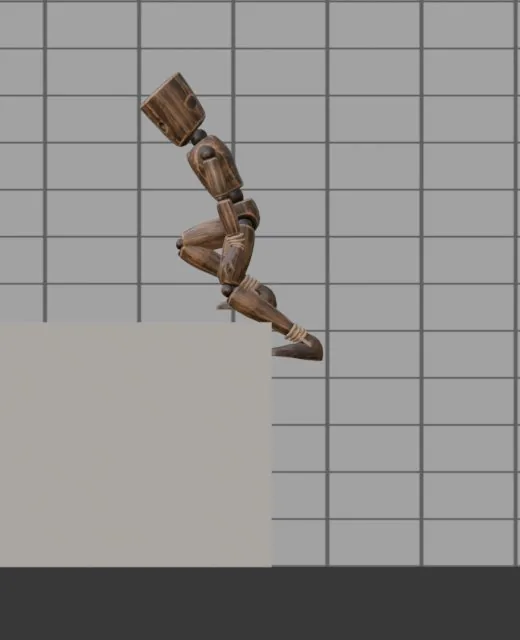
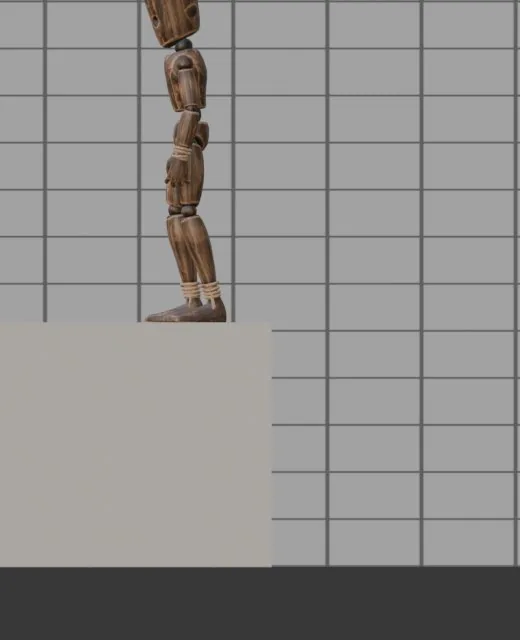
Climbs onto a ledge · ledge height 1.3 m
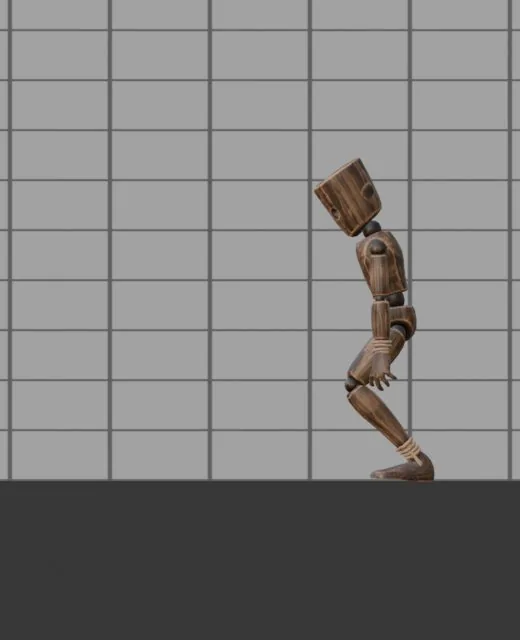
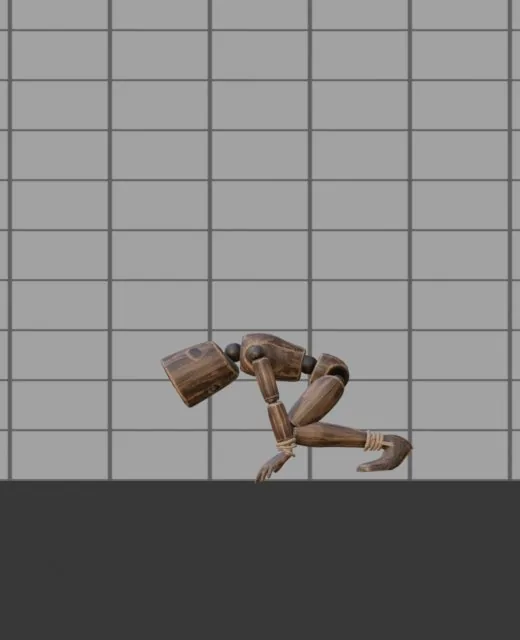
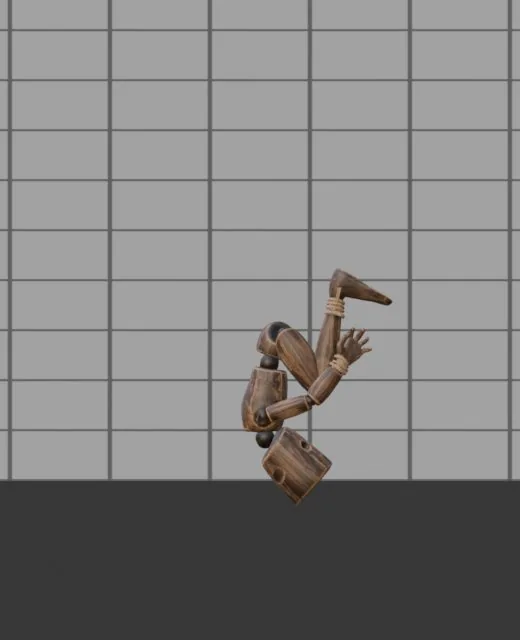
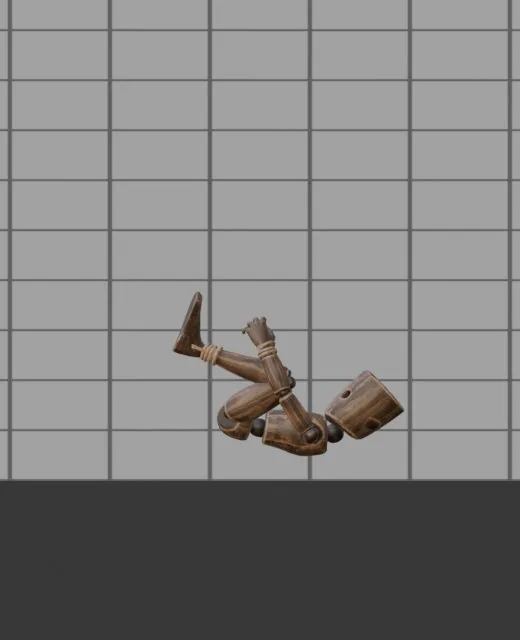
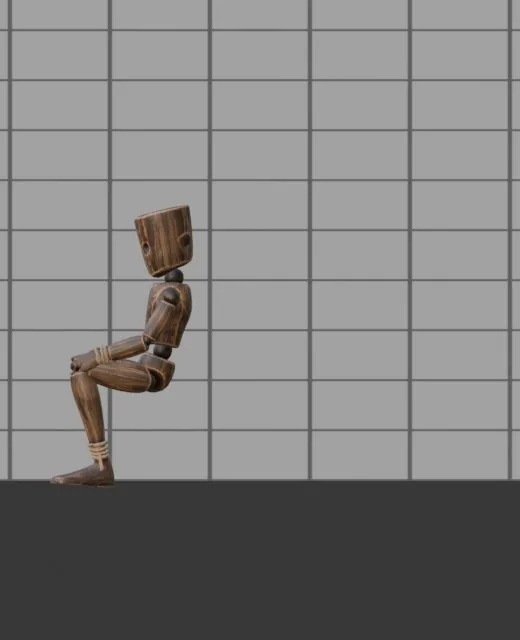
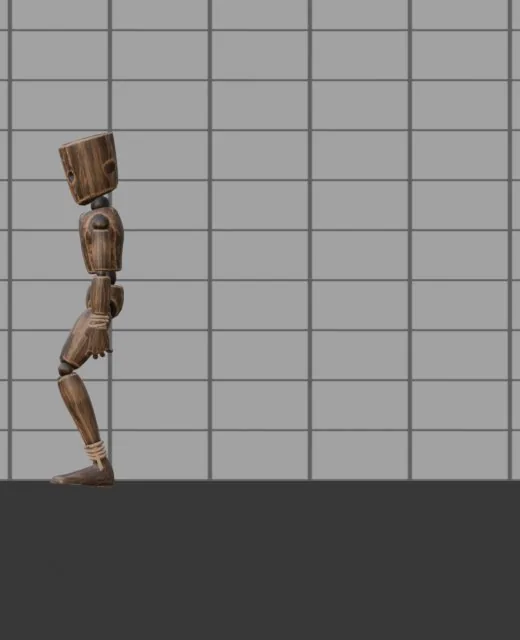
Dodge roll · 1.6 m forward
Character kits

Each kit wraps the full game set around one weapon or role: idle, 8-way walk, run, crouch, turns, start and stop, jump, hits from four sides, knockdown, two deaths - all with the item in hand and a “Ready” slider between guard and lowered. On top come the kit's own moves: draw and sheathe, block, a combo, a shield bash, an overhead slam. Blades, shields and bows aim themselves with the wrist, so they point where they should on any arm proportions
- Swordsman
- Sword and shield
- Archer
- Brawler
- Mage with a staff
- Carrier
- Stealth
- Zombie
- Wounded
- Dual blades
- Thrower
- Miner
- Guard
- Trader
- Prisoner
Crowds

Select several copies of a rig and press “Crowd from selected”: each one gets its own state, tempo and start frame. For background extras in a scene or trailer, for a set of different NPC clips from one rig in Unity, Godot or Unreal, and for quick previz. Every character gets its own baked clip on the NLA; the same seed rebuilds the same crowd. It does not move characters around the scene or steer them round obstacles - you place the rigs yourself
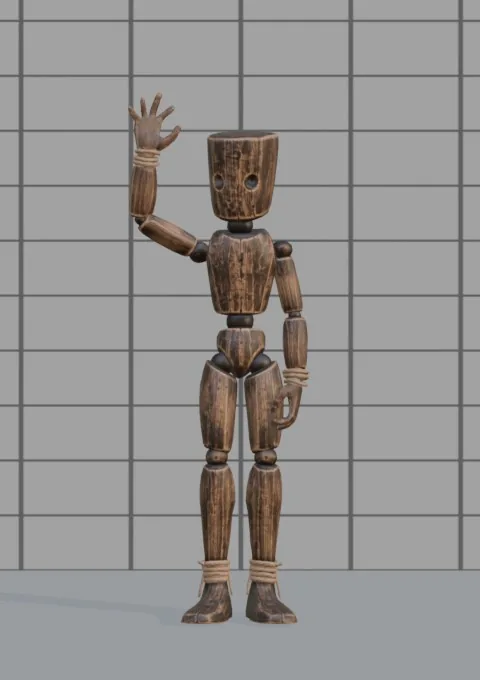
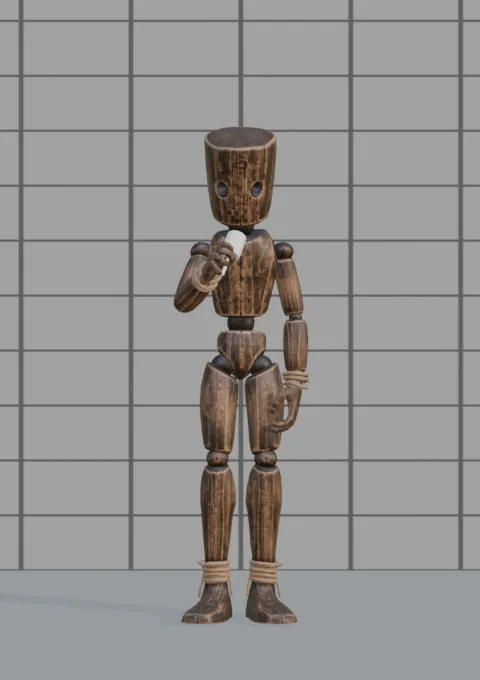
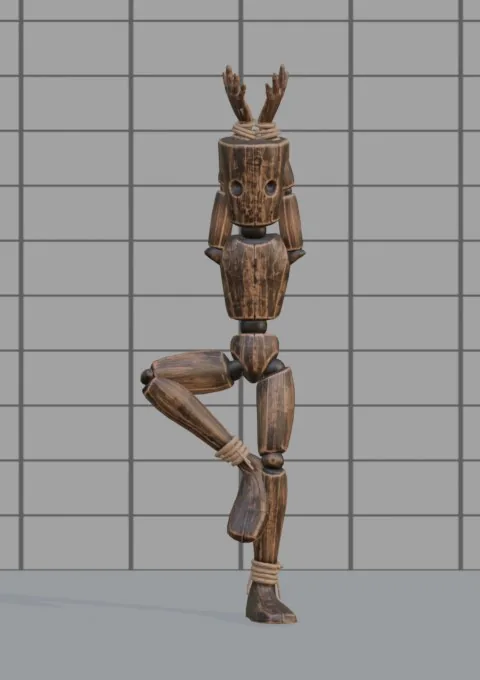
1066 animations, browsed by picture


Every action has a thumbnail of the mannequin at its most telling moment. Switch between pictures and a compact list, filter by section and pack, search in English or Russian, star favourites. A check mark shows what the character already has; one click adds an action, and a whole pack or section asks first
- For games - 9 packs
- Character kits - 19
- Communication - 4
- Emotions and character - 4
- Work and home - 8
- Sport and leisure - 11
- Street and outdoors - 8
- Seated and lying - 3
- Fight and magic - 4
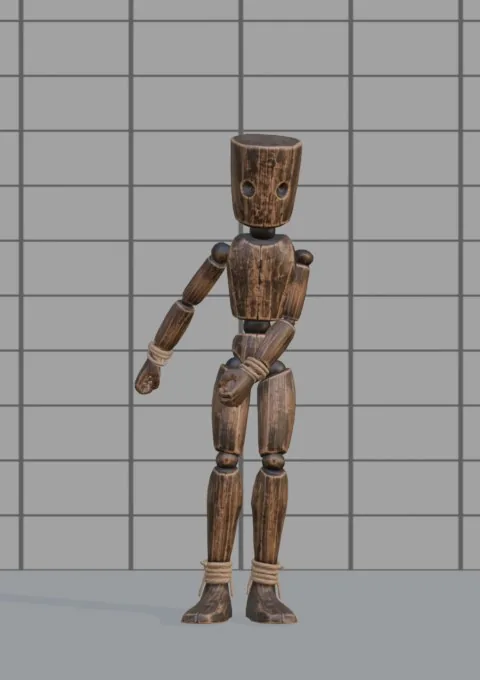
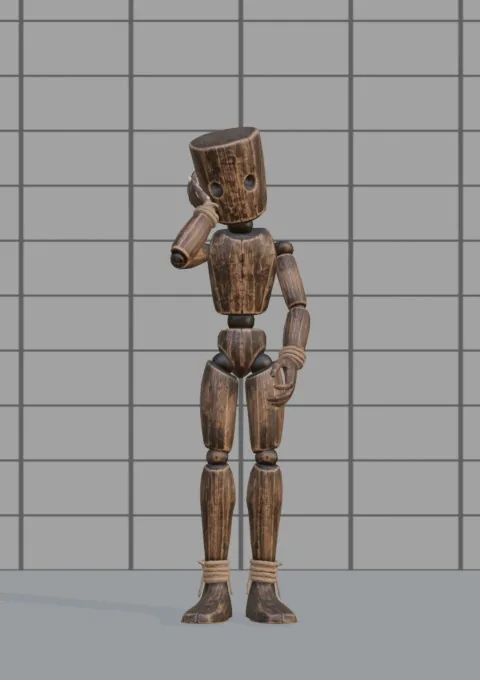
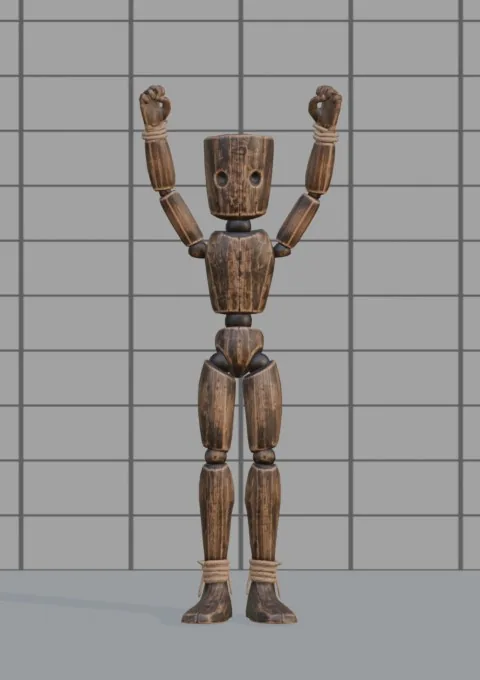
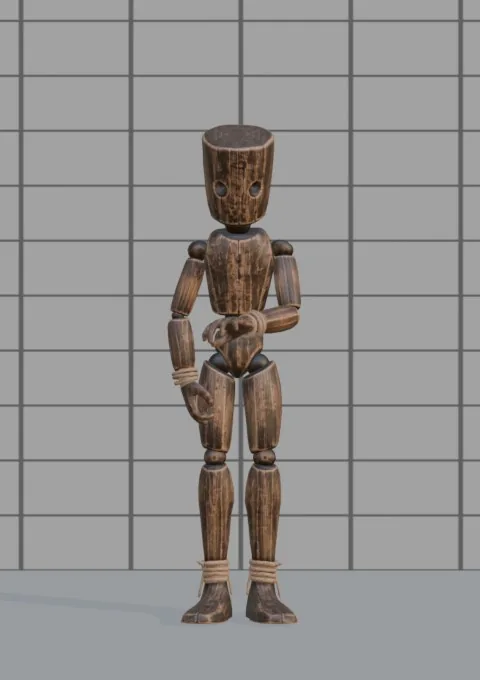
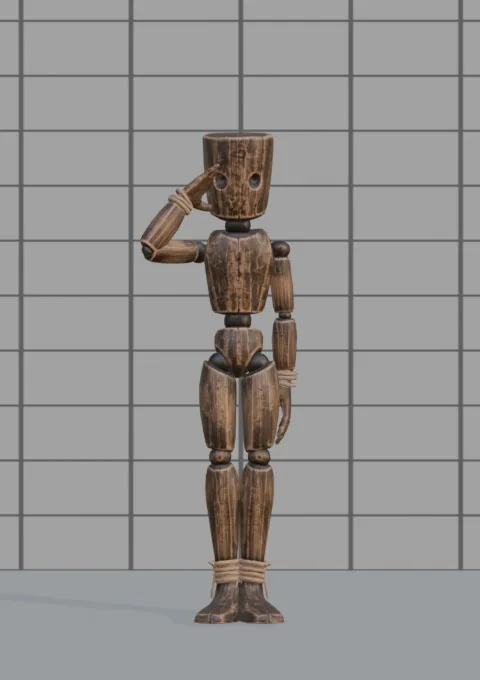
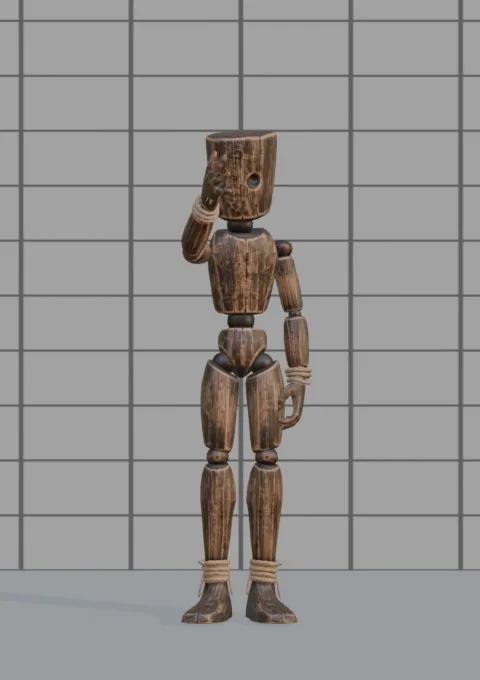
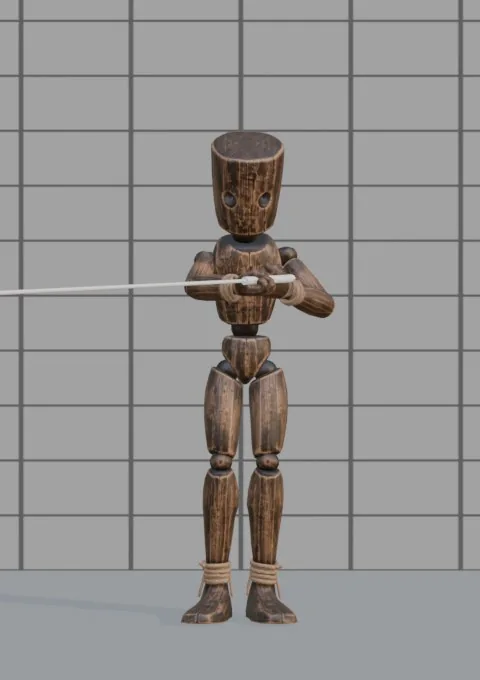
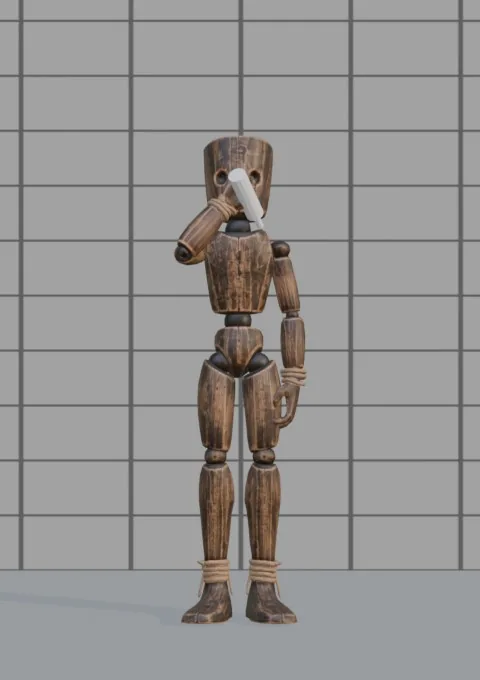
The panel
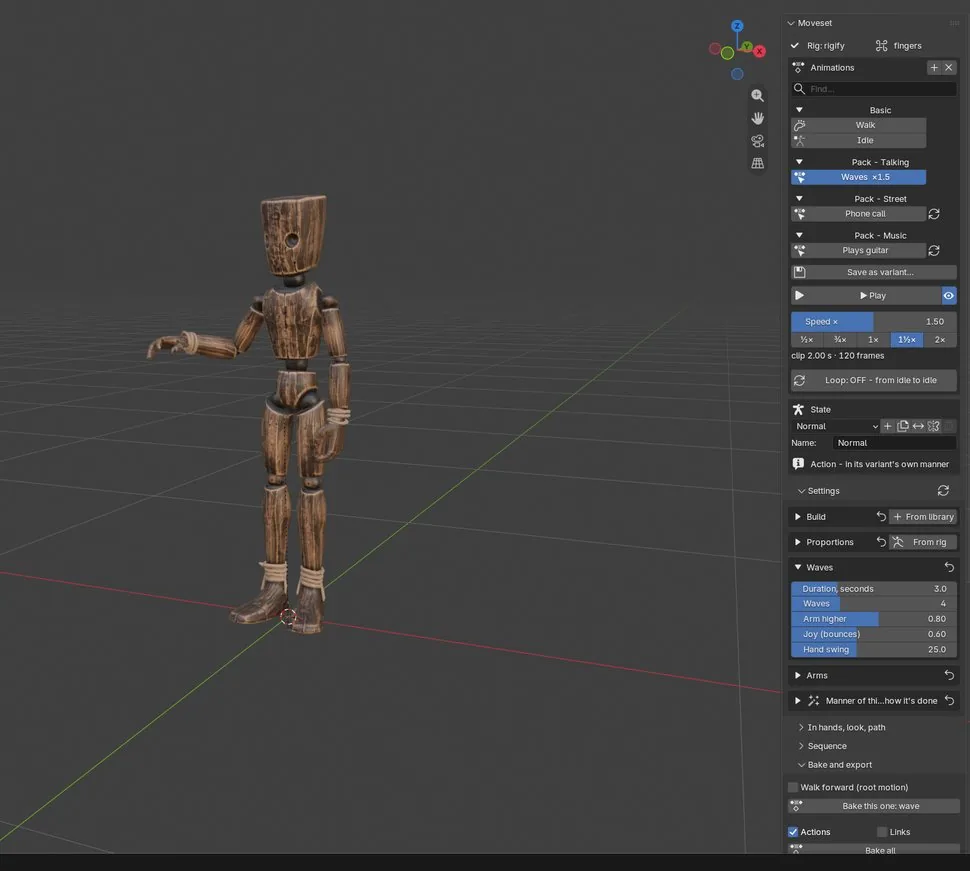
Speed, right under Play. ½× to 2× for any clip. Idles and actions run faster or slower as a whole; walks change stride and cadence together, the way a person speeds up
Loops. One toggle: repeating actions hold their pose for the whole clip and close without a seam; one-off gestures start and end in the idle pose
Live preview. The rig takes the pose of the current frame and plays back smoothly. The timeline fits the clip automatically
Outdated bakes are flagged. Change a slider after baking and the Action is marked outdated. Rebake only what changed
Specifications
Rigs
- Rigify metarig and generated rig (FK controls, root motion on the torso control)
- Mixamo, including prefixed and 2- or 3-bone finger variants
- VRoid / VRM via glTF import
- Unreal Engine 5 and 4 mannequin skeletons
- Humanoid names (Hips, LeftUpperLeg…)
- Anything else: guided manual bone mapping, with a test pose and saved maps
- Fingers, palm direction and model proportions detected from the skeleton
Output
- Baked Actions at the scene frame rate: 24, 30, 60 fps
- In place, or with root motion - forward, sideways and up, adding a root bone if the rig has none
- One-click export for Unity (FBX), Unreal (FBX) and Godot (GLB), plus a JSON file with lengths, loops, root speeds, footsteps and prop events
- Mirrored copies, 9-pose aim offsets, sequences with 0.3 s blends, walking along a curve
- Head look-at target; stand-in props in hand that appear and disappear with the clip
- Several characters at once: crowds, batch bake, one file per character
| Developer | NoMicro Studio |
|---|---|
| Blender | 4.2 and newer, packaged as an extension. Checked on 4.2 and 5.3 |
| Dependencies | None. Pure Python |
| Interface | English and Russian |
| Library | States, builds and action variants in JSON with pose thumbnails; add your own folder and save your own variants and bone maps |
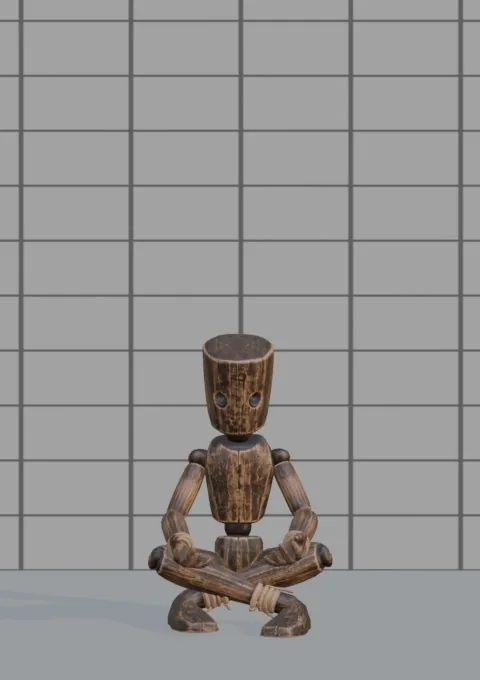
| Mannequin | A textured wooden mannequin with fingers. Use it in any of your scenes and projects |
| License | Code under GPL-3.0-or-later. Library, thumbnails and mannequin under the Moveset content license: everything you make with the add-on goes into any of your projects, commercial included, royalty-free |
| Support | nomicrostudio@gmail.com |
Questions
Questions
Which Blender versions does Moveset support?
Blender 4.2 and newer, installed as an extension (Edit › Preferences › Get Extensions › Install from Disk). It is tested on 4.2 and 5.2
Which rigs does it work with?
Rigify (metarig and generated rig), Mixamo, VRoid / VRM, Unreal Engine 5 and 4 skeletons and any skeleton with humanoid bone names. Any other humanoid skeleton works through a guided manual bone mapping, which you save for next time
How are the animations made?
Every animation is computed from readable parameters such as stride, cadence, posture, energy and tempo, then baked to ordinary Blender Actions on your rig
Can I use the animations in a commercial game or film?
Yes. Everything you make with Moveset - baked Actions, FBX and GLB files, renders, games, films - can go into any personal or commercial project with no royalties and no credit. What you may not do is resell the add-on's library files or sell the animations as a stand-alone animation pack for other creators
Does it work with Unity, Unreal Engine and Godot?
Yes. One button exports FBX for Unity and Unreal or GLB for Godot with the settings each engine expects. Loops walk in place with the root speed written next to them, and root motion is optional
How is it different from Mixamo?
Mixamo is free and offers captured human motion on its own skeleton in the browser. Moveset computes the animations on your own rig inside Blender, offline, and adds manner packs (tired, cold, drunk, elderly…) and sliders for every action. Mixamo characters work with Moveset too
Does it need an internet connection or a subscription?
No. It is a one-time purchase, works offline and updates are free
Which languages does the interface support?
English and Russian. The library search understands both
Where can I buy it, and how do I get help?
On Gumroad and itch.io. Questions and bug reports: nomicrostudio@gmail.com