Jump, fall and climbing animations for Blender
A jump for a game is several clips: take-off, rise, fall loop and landing. They come as a set, with climbing and parkour around them
Jumps and air
Jump start, jump rise, fall loop, soft landing, hard landing, running jump - split the way a character controller needs them. The Obstacles pack adds stairs, ladders, vault, mantle, drop from a ledge and a dodge roll; Parkour adds hangs, shimmies, cat leap, vaults, gap and precision jumps, a drop into a roll and monkey bars
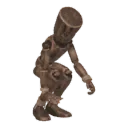
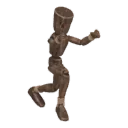
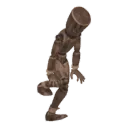
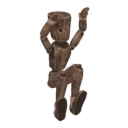
Step by step
- STEP 1Create a character
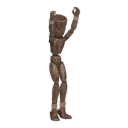
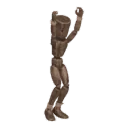
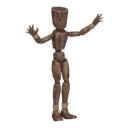
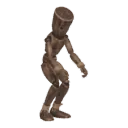
Select your rig (Rigify, Mixamo, VRoid, Unreal or any humanoid) and press Create character. No rig? Shift+A › Moveset Mannequin
- STEP 2Add a pack
Open the library and add the pack you need. Its clips appear in the list
- STEP 3Play and tune
Play shows the clip live on your rig. Sliders change tempo, stride, posture and the details of each clip
- STEP 4Bake and export
Each clip bakes to a normal Action. Export to Unity and Unreal (FBX) or Godot (GLB) with root motion