Sword animations for Blender
Three melee weapon kits, each with a full set: idle, walk and run in 8 directions, turns, attacks, blocks, hits and deaths with the weapon in hand
The kits
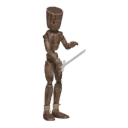
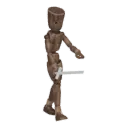
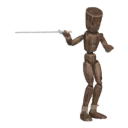
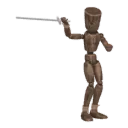
Swordsman (36 clips), Sword and shield (34) and Dual blades (37). Attacks include slashes, a combo and a jump attack; the shield kit blocks; every kit falls and dies holding its weapon. A button adds a weapon model to the hand
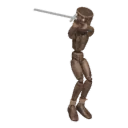
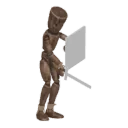
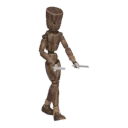
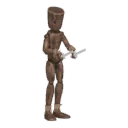
Step by step
- STEP 1Create a character
Select your rig (Rigify, Mixamo, VRoid, Unreal or any humanoid) and press Create character. No rig? Shift+A › Moveset Mannequin
- STEP 2Add a pack
Open the library and add the pack you need. Its clips appear in the list
- STEP 3Play and tune
Play shows the clip live on your rig. Sliders change tempo, stride, posture and the details of each clip
- STEP 4Bake and export
Each clip bakes to a normal Action. Export to Unity and Unreal (FBX) or Godot (GLB) with root motion