Idle and NPC animations for Blender
A character that stands still looks dead. The idle breathes, shifts its weight and fidgets - and NPC packs give it something to do
Idles and NPC life
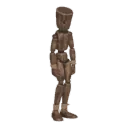
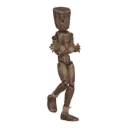
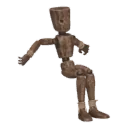
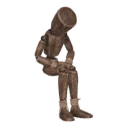
The base idle in every manner and with every weapon kit, plus NPC ambience (shifts weight, scratches an arm, leans on a wall or a rail, sits on a bench, dozes, talks), waiting (taps a foot, checks the watch, yawns, looks around), talking and gestures, sitting and lying
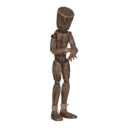
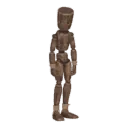
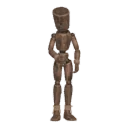
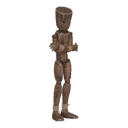
Tune it
Breathing depth, fidget amount, how much the weight shifts and how often - all sliders. Idles loop seamlessly for a game
Step by step
- STEP 1Create a character
Select your rig (Rigify, Mixamo, VRoid, Unreal or any humanoid) and press Create character. No rig? Shift+A › Moveset Mannequin
- STEP 2Add a pack
Open the library and add the pack you need. Its clips appear in the list
- STEP 3Play and tune
Play shows the clip live on your rig. Sliders change tempo, stride, posture and the details of each clip
- STEP 4Bake and export
Each clip bakes to a normal Action. Export to Unity and Unreal (FBX) or Godot (GLB) with root motion